Web app or mobile app: which does your business need?
The difference between a web app, a mobile app and a progressive web app, when each one makes sense, and the mobile app costs people forget to budget for.


Darshan Patel and Rahil Memdani
· 6 min read
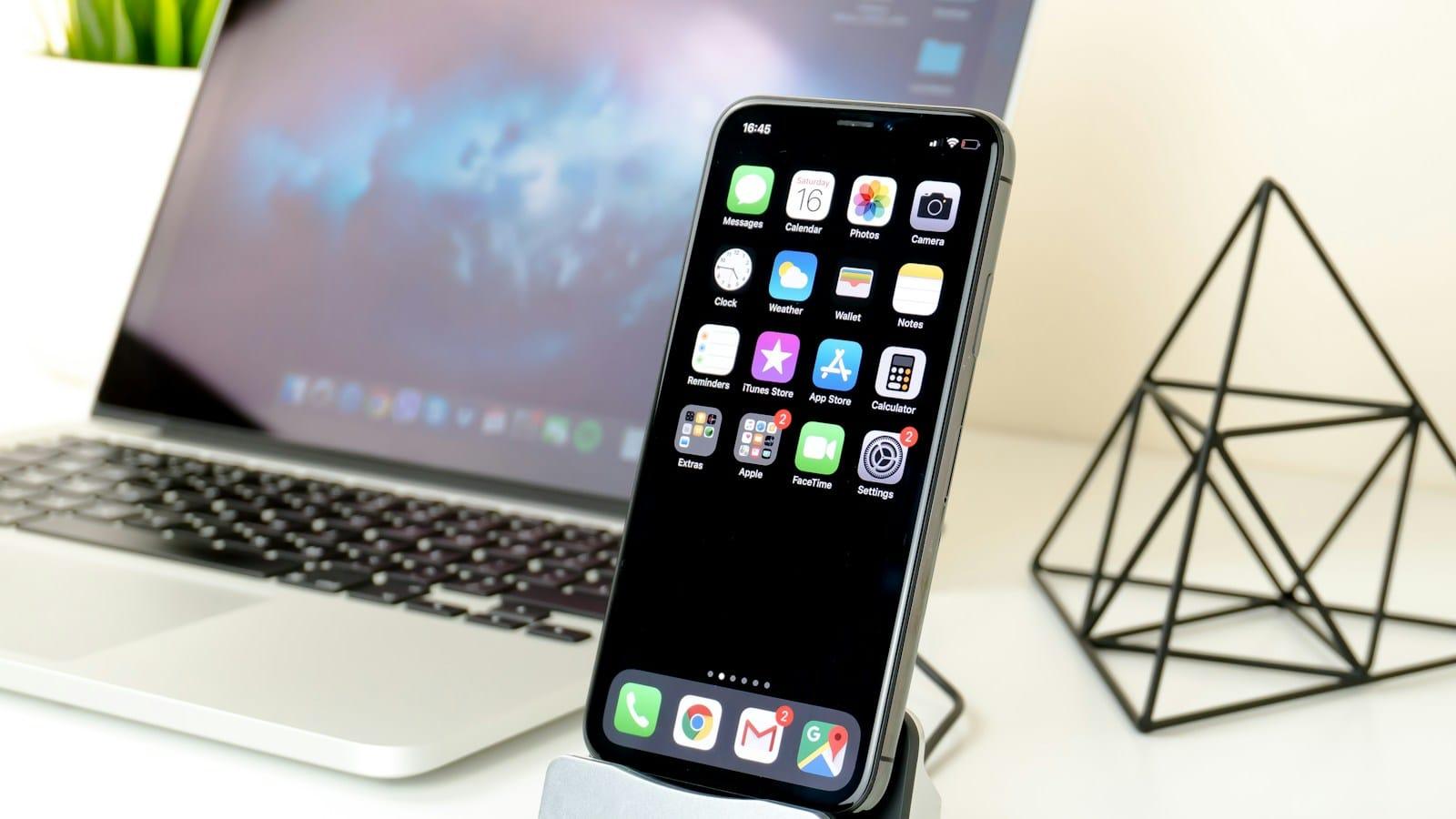
When a business owner tells us they need an app, the first thing we ask is who will use it, and where. The answer usually decides whether it should be a mobile app from the App Store and Google Play, a web app that runs in the browser, or something in between.
Getting it wrong is expensive either way. Building and maintaining apps for two app stores when a web app would do adds cost at every step. Going web-only when your users need offline access or the camera every day leaves them frustrated.
What's the difference?
- A web app runs in the browser on any device. Nobody installs anything; you send a link. Staff portals, booking systems, dashboards and customer accounts are usually web apps.
- A mobile app is downloaded from the App Store or Google Play and lives on the phone. It can work offline, make full use of the camera, location and Bluetooth, and send push notifications.
- A progressive web app (PWA) sits in between: a web app that can be added to the home screen and opened like an app, and on most phones can send notifications, without going through the app stores.
When a web app is the better choice
- Your users are mostly at a desk, or use it now and then rather than every day.
- It's an internal tool for your team. Nobody wants to manage app store releases for a staff roster.
- You want to change it often. A web app updates the moment you publish; a mobile app needs a new release and an app store review.
- Customers find you through Google. Web pages can be indexed and ranked; the inside of a mobile app can't.
- You want one build that works on phones, tablets and computers.
When a mobile app is the better choice
- People use it every day, like class booking, a loyalty card or a tool for staff out in the field.
- It has to work with poor or no signal.
- It relies on the phone's hardware: scanning, location tracking, Bluetooth devices or the camera.
- Push notifications are central to how it works, like delivery updates or appointment reminders.
- Being in the App Store matters to your customers or your brand.
For a lot of businesses, a web app is the right first step. A mobile app earns its place once people use it every day and the phone's own features genuinely matter.
Mobile app costs people forget
- Developer accounts. Apple charges a yearly fee for its developer program, and Google charges a one-off registration fee.
- Store commissions. If you sell digital goods or subscriptions inside the app, Apple and Google usually take 15 to 30 percent.
- Review time. Every update goes through app store review, which can take anywhere from a few hours to several days.
- Two platforms to keep current. New versions of iOS and Android can mean updates just to keep the app working.
A sensible middle path
Start with a web app that works properly on phones, and make it installable as a PWA. If usage grows and you need something only a native app can do, the same backend, data and logic can sit behind a mobile app later, so the first build isn't wasted.
Examples from our own work
Tribe Wellness Co needed people to find the right membership and sign up from their phone without downloading anything, so it's a web platform with a members area. Ray Mancini's platform takes payments for programs and memberships and lets people book meetings, also in the browser. Neither needed an app store to do its job.
How we decide with you
We ask who uses it, how often, on what device and what it has to connect to, then recommend the simplest option that works, in writing, with build and running costs. Here's how we approach app development. You see a working preview within seven days.
Common questions
Is a web app cheaper than a mobile app?
Can a web app send push notifications?
Can we start with a web app and add a mobile app later?
Keep reading
All postsHow to get your business recommended by ChatGPT
What decides which businesses ChatGPT, Perplexity and Google's AI Overviews recommend, and the practical steps that make yours one of them.
SEO & AI SEO · 7 min read

What a gym or studio website needs to sign up members
What turns a visitor into a member, from the gym, studio and wellness websites we've built: first-visit answers, live timetables, prices and one-tap booking.
Websites · 6 min read

Email automation for small business: what to set up first
The five automated emails that bring in or protect the most money for a small business, in the order we'd set them up, and what you need in place first.
CRM & email · 6 min read